Battery-Only Runtime
8 h 6 min
Energy-only runtime for the tested configuration.
Use this Tesla Powerwall Calculator to estimate battery-only backup runtime, available energy, and the number of full Powerwall 3 units needed for a target outage. The tool checks both stored energy in kWh and continuous power in kW, because a home battery must satisfy both limits.
Enter your expected essential load, outage duration, starting charge, reserve, and the full or Expansion units you want to test. Results use current U.S. Powerwall 3 planning references and assume no solar recharge during the modeled outage.
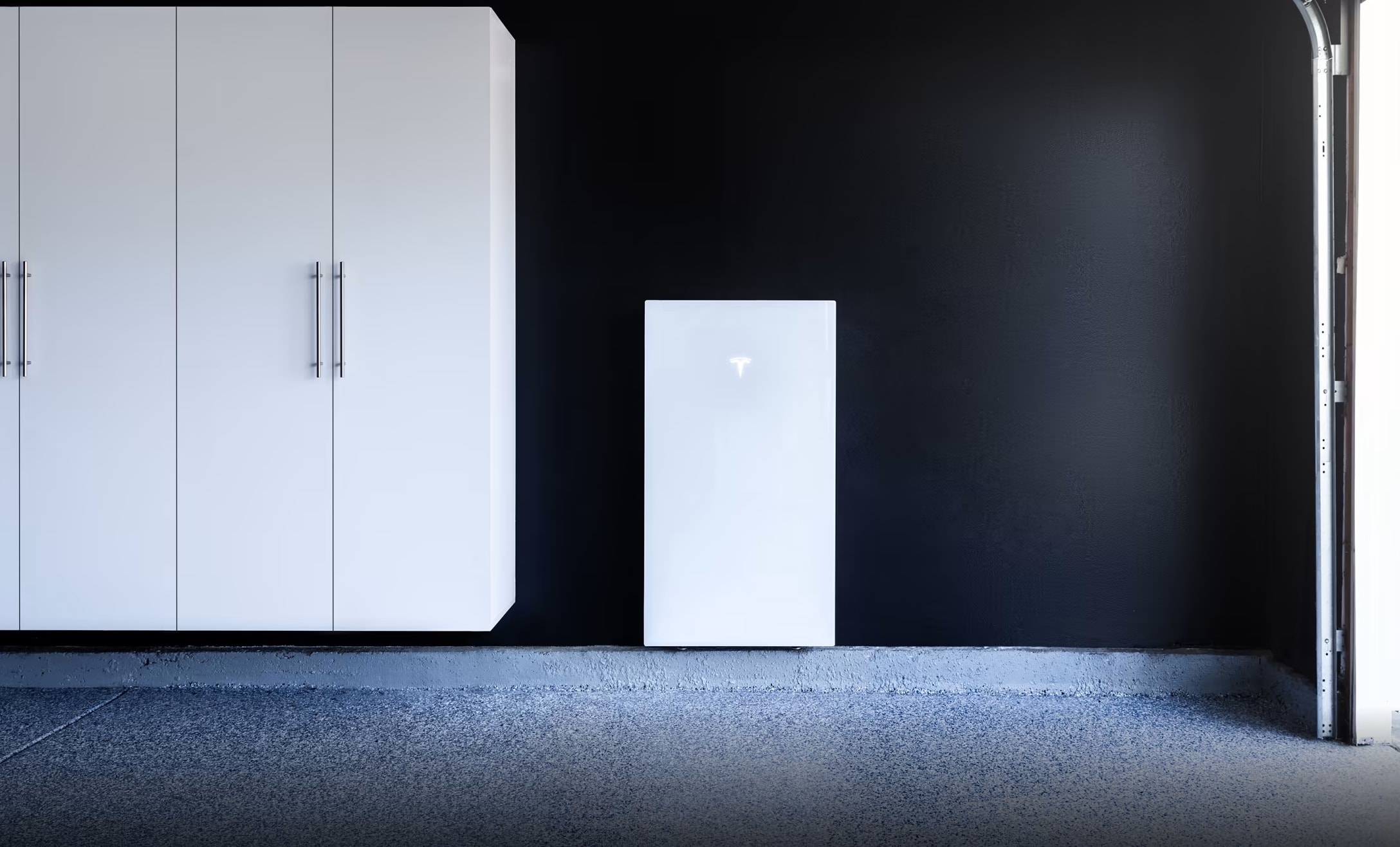
Model a battery-only outage using 13.5 kWh per Powerwall 3 or Expansion module and 11.5 kW continuous power per full U.S. Powerwall 3.
The calculator separates energy from power. Energy answers how long the batteries can support a load; power determines whether the full Powerwall 3 units can supply that load at one moment. Expansion units add 13.5 kWh of energy but share inverter capability with their lead Powerwall 3, so the power check counts full units only.
For a brand-neutral comparison, use the Home Battery Storage Calculator. If you want to start from daily energy instead of a Powerwall configuration, compare the result with the Battery Sizing Calculator.
The defaults model one full Powerwall 3, a 1.5 kW essential load, 12 hours of desired backup, 100% starting state of charge, and a 10% planning reserve.
Energy-only runtime for the tested configuration.
Installed energy available between starting SOC and reserve.
Checks load against full-unit continuous power only.
Full Powerwall 3 units needed if Expansion is not used.
Tested configuration falls short of the 12-hour goal.
One full Powerwall 3 starting at 100% with a 10% reserve provides about 12.15 kWh above reserve. At a steady 1.5 kW load, the energy-only runtime is about 8.1 hours.
Target energy: 1.5 kW × 12 h = 18 kWh. The full-unit-only estimate is 2 because energy requires 2 units while continuous power requires 1.
Start with the loads you truly need during an outage, then treat the result as a transparent battery-only baseline before considering solar recharge or installer-specific configuration.
The most common home-battery sizing mistake is treating kW and kWh as interchangeable. Kilowatt-hours measure stored energy and influence duration. Kilowatts measure the rate of power delivery and determine how much equipment can run at once. The Tesla Powerwall Calculator checks both because either one can become the limiting factor.
Tesla currently lists Powerwall 3 at 13.5 kWh of energy capacity and 11.5 kW continuous on-grid and backup power in U.S. material. Tesla technical documentation also shows configurable output levels, so a commissioned system can differ from the maximum reference used here.
Energy determines how long the system can support loads. A full Powerwall 3 or Powerwall 3 Expansion contributes 13.5 kWh of reference battery energy before starting charge and reserve are applied.
Power determines whether full Powerwall 3 units can carry simultaneous continuous demand. Expansion increases stored energy but does not automatically add another independent 11.5 kW of inverter output.
An outage may begin below 100% charge, and you may want to preserve a reserve. The calculator explicitly subtracts reserve from starting state of charge so the assumption stays visible.
The math is deliberately visible so you can check the result by hand and understand which input drives the recommendation.
A 1.5 kW essential load running for 12 hours requires 18 kWh. This battery-only target does not subtract future solar production or add generator charging.
At 100% starting SOC and a 10% reserve, the available fraction is 0.90. At 70% starting SOC with the same reserve, it is 0.60.
One full unit at 100% SOC with a 10% reserve contributes 12.15 kWh above reserve in this model. One full unit plus one Expansion contributes 24.3 kWh.
With 24.3 kWh above reserve and a 1.5 kW average load, modeled runtime is 16.2 hours. Cycling appliances should be represented by a realistic average demand.
A 14 kW continuous demand requires at least two full units in this simplified U.S. check. Motor starts and other short peaks require separate review.
This comparison shows how many complete Powerwall 3 units would be required without Expansion. It is not an optimized installation design; an energy-limited system may use Expansion while a power-limited system may need more full inverter capability.
The calculation assumes no solar recharge. Solar can extend backup, but weather, season, shading, array size, and daytime demand make a universal production assumption misleading.
Use average running demand for energy planning, then review startup requirements separately. Air conditioners, pumps, and compressors can briefly demand far more than normal running power.
Try lower starting SOC, longer outage time, and higher average load. Scenario testing is more useful than treating one calculated runtime as a guarantee.
These examples use 100% starting SOC, a 10% reserve, no solar recharge, 13.5 kWh per battery module, and an 11.5 kW continuous reference per full unit.
| Scenario | Load | Target Time | Target Energy | Full-Unit-Only Estimate |
|---|---|---|---|---|
| Light essentials overnight | 0.8 kW | 12 h | 9.6 kWh | 1 |
| Typical essential circuits | 1.5 kW | 12 h | 18 kWh | 2 |
| Moderate partial-home load | 3 kW | 24 h | 72 kWh | 6 |
| Short high continuous load | 14 kW | 1 h | 14 kWh | 2 |
The energy target is 9.6 kWh. One full unit provides 12.15 kWh above the modeled reserve, and 0.8 kW is comfortably below the continuous-power reference. Battery-only runtime is about 15.2 hours.
The target is 18 kWh. One full unit has enough continuous power but only 12.15 kWh above reserve, so energy is the limiting factor. Two full units provide 24.3 kWh above reserve, or about 16.2 hours at the same steady load.
The target becomes 72 kWh. Dividing by 12.15 gives about 5.93, which rounds to six full units in a full-unit-only comparison. The power requirement is just one full unit, so the scenario is strongly energy-limited.
The energy requirement is only 14 kWh, but one full unit is below the modeled 14 kW continuous demand. The simplified power check therefore requires two full units. High-demand projects also need separate review of surge loads and commissioned output settings.
If you are comparing storage with a fuel-powered standby solution, use the Generator vs Battery Calculator for another planning perspective.
Tesla lists Powerwall 3 Expansion at 13.5 kWh and describes it as added storage for Powerwall 3. Expansion shares power conversion with its lead system, so the calculator adds Expansion kWh to energy without assigning another independent 11.5 kW to every Expansion.
The tool limits Expansion to three per full unit as a simple planning check, corresponding to Tesla's current 40.5 kWh maximum additional energy per unit. Confirm final compatible layouts with current product documentation.
During a grid outage, compatible solar can support daytime loads and recharge the battery. The benefit varies with weather, season, shading, array design, curtailment, and household demand.
Use the Solar Battery Bank Calculator for a broader solar-storage energy balance while keeping the battery-only result here as your baseline.
Tesla technical documentation lists multiple Powerwall 3 nominal AC output settings. This page uses the current 11.5 kW U.S. reference, but a particular installation may be commissioned at a lower level.
Tesla also documents a higher 15.4 kW off-grid mode under specific conditions. The calculator does not assume that special configuration.
The calculator does not design conductors, breakers, transfer equipment, solar strings, service upgrades, motor-start solutions, mounting, code compliance, or utility interconnection. It also cannot predict degradation, thermal derating, software behavior, or every auxiliary load.
For current information, review Tesla's official Powerwall page and the official Powerwall 3 specifications. Those sources should take priority if a rating or installation rule changes.
Check the same backup problem from several angles instead of relying on one brand-specific calculation.
Estimate technology-neutral home storage from essential loads and desired backup duration before comparing specific products.
Estimate home storageTranslate daily energy demand into a general storage target when comparing Powerwall with other battery architectures.
Calculate battery sizePlan solar-plus-storage energy balance after establishing the battery-only baseline from the Tesla Powerwall Calculator.
Plan solar storageCompare battery backup with a standby generator when your decision involves more than battery capacity alone.
Compare backup optionsCommon questions about Powerwall 3 backup runtime, capacity, Expansion units, reserve assumptions, and calculator limitations.
Tesla currently lists Powerwall 3 at 13.5 kWh of energy capacity. The calculator starts with that value and then applies the difference between starting state of charge and reserve to estimate energy available for the modeled outage.
At 100% starting charge with a 10% reserve, this model makes 12.15 kWh available above reserve. A steady 1 kW load therefore has an energy-only runtime of about 12.15 hours. Actual operation can differ because loads cycle and solar or operating conditions may change the result.
kWh measures stored energy and affects duration. kW measures power and affects how much can run simultaneously. A system can have enough stored energy yet still exceed continuous output when several large loads operate together.
No. Tesla's U.S. material lists 11.5 kW continuous on-grid and backup power, but its technical documentation also shows configurable outputs. Utility requirements and installation configuration can result in a lower commissioned rating.
No. The primary result assumes zero solar recharge so it provides a clear battery-only baseline. Solar can extend backup, but production changes with location, season, weather, shading, array design, and daytime demand.
Not for the power check. Expansion adds 13.5 kWh of energy while sharing inverter capability with the lead system. The calculator therefore includes Expansion in stored energy while continuous-power capacity is based on full Powerwall 3 units.
There is no single percentage appropriate for every owner. Your choice depends on outage risk, solar availability, normal operating goals, and personal priorities. The 10% default on this page is a transparent example rather than a universal Tesla recommendation.
Not reliably. The model checks continuous kW, while motors and compressors can require much higher short-duration current when starting. Actual performance depends on equipment specifications, wiring, system configuration, simultaneous loads, and commissioned settings.
Run the calculator with realistic essential loads, then test a lower starting charge, a longer outage, and a higher load. Compare the result with current Tesla specifications and a site-specific design before making equipment decisions.
Recalculate Your Scenario